
Quickstart
Clone the boilerplate, start it with Docker Compose, and resolve a paused workflow from the dashboard and from the ltc CLI. You need Docker, Node.js and Git.
Run the boilerplate
Section titled “Run the boilerplate”-
Clone the starter project and install its dependencies.
Terminal window git clone https://github.com/hotmeshio/long-tail-boilerplate.gitcd long-tail-boilerplatecp .env.example .envnpm install -
Choose the superadmin password. The first boot on an empty database seeds a
superadminaccount fromSEED_ADMIN_PASSWORD. Add it to.env:.env SEED_ADMIN_PASSWORD=your-own-passwordWhen the variable is unset,
docker-compose.ymlsupplies a development default (the boilerplate README lists it). -
Start Postgres, MinIO, NATS and the app.
Terminal window docker compose up -d --build -
Open http://localhost:3030 and sign in as
superadminwith the password you set.
| Service | Address |
|---|---|
| Dashboard | http://localhost:3030 |
| REST API | http://localhost:3030/api |
| MinIO console | http://localhost:9003 |
| Postgres | localhost:5416 |
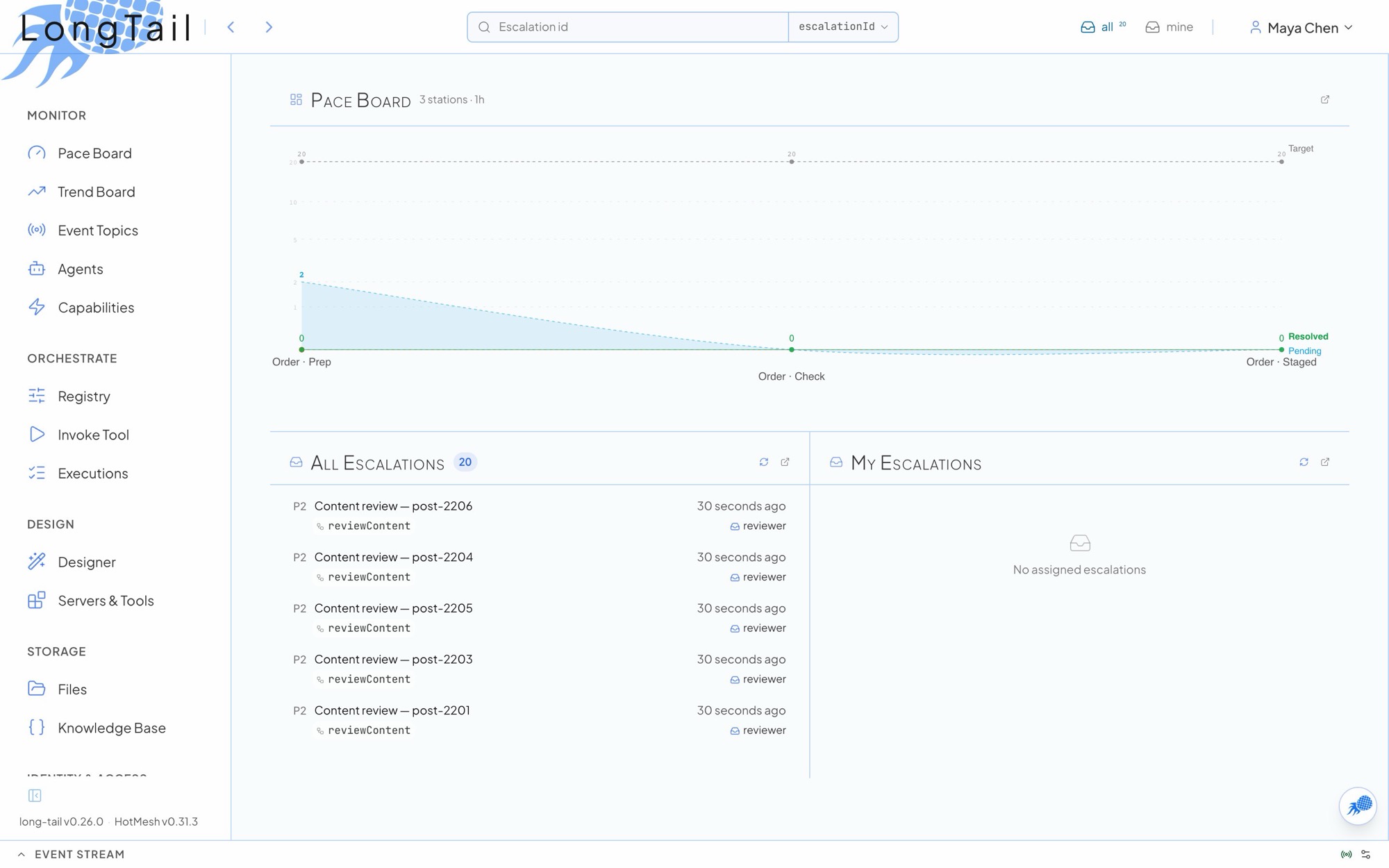
Look at the example workflows
Section titled “Look at the example workflows”The boilerplate registers its workflows in src/config/workers.ts, one directory per workflow under src/workflows/.
| Workflow | Directory | Shows |
|---|---|---|
helloWorkflow |
hello-world/ |
A timer, an activity and the caller’s identity |
reviewContent |
content-review/ |
A confidence score that sends low scores to a moderator form |
screenshotResearch |
screenshot-research/ |
A multi-step pipeline with browser and vision tools |
assemblyLine |
assembly-line/ |
Stations worked by people in sequence, with parent and child workflows |
Open Procedural → Registry in the sidebar to see every registered workflow, and Invoke Tool to start one.
Resolve your first escalation
Section titled “Resolve your first escalation”reviewContent scores a piece of content. Short text and HTML markup score low, and a low score parks the run as an escalation for the content-moderator role.
-
Open Invoke Tool (
/workflows/durable/invoke) and pickreviewContent. -
Enter
<b>hi</b>as the content so the analyzer flags it, then start the run. -
Open All Escalations (
/escalations/available) and pick thecontent-moderatorqueue. The new row is pending and unclaimed. -
Open the row and select Claim. The claim locks the row to you for a time window (30 minutes by default) and unlocks the form.
-
Pick a decision and submit. The row is resolved and the workflow completes with your decision.
The form you filled is data: a versioned JSON Schema stored on the content-moderator role. See Forms.
Do the same from the CLI
Section titled “Do the same from the CLI”ltc ships with @hotmeshio/long-tail, so the boilerplate already has it.
-
Sign in.
ltcstores a token in~/.config/longtail/credentials.json.Terminal window export LT_PASSWORD='the password you set'npx ltc login --server http://localhost:3030 --username superadmin --password "$LT_PASSWORD" -
Start a run that will escalate.
Terminal window npx ltc wf invoke reviewContent \--data '{"contentId":"article-002","contentType":"comment","content":"<b>hi</b>"}' -
Find the pending row, claim it and resolve it.
Terminal window npx ltc esc list --role content-moderator --status pendingnpx ltc esc claim <escalation-id>npx ltc esc resolve <escalation-id> --data '{"moderation":{"decision":"approve"}}' -
Confirm the row is resolved.
Terminal window npx ltc esc get <escalation-id>
Every list command takes --json for scripts and -q for ids only.
Write your own wait. Your first conditional builds a review workflow end to end: the activity, the conditional wait, the role’s form and every way to resolve it.